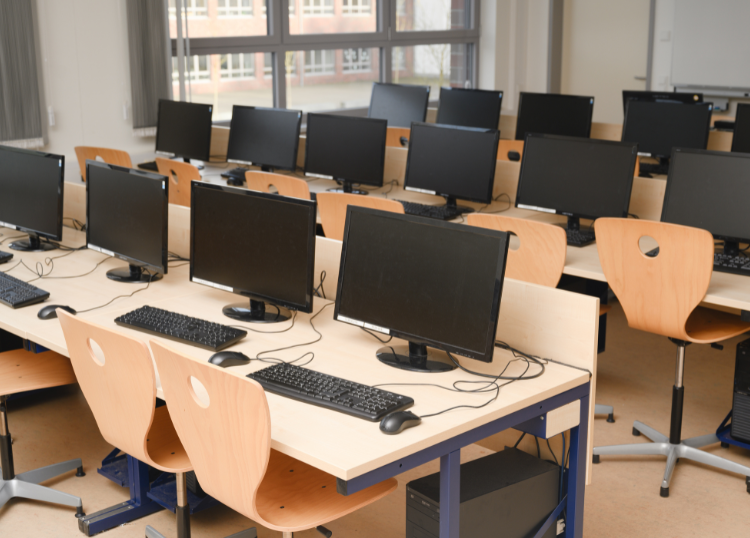
Computers are the backbone of most modern businesses. Whether your team handles customer service, accounting, marketing, or design, reliable hardware is essential for maintaining productivity and protecting valuable business data. Yet many organisations continue using ageing computers long after they've reached the end of their practical lifespan.
While replacing office computers represents a significant investment, waiting too long can lead to higher maintenance costs, slower performance, increased downtime, and greater security risks. Knowing when to upgrade helps businesses stay productive while avoiding unnecessary expenses.
The Typical Lifespan of a Business Computer
Most business desktop computers and laptops remain effective for three to five years. The exact lifespan depends on how they're used.
For example:
- Basic office work such as email, word processing, and web browsing may allow computers to remain productive for five years or longer.
- Graphic design, engineering, video editing, and software development often require more powerful hardware that may need replacing after three to four years.
- Computers used daily for demanding business applications generally experience more wear than those used occasionally.
Rather than waiting for complete failure, businesses should plan upgrades before performance begins affecting employees.
Signs It's Time for a Replacement
A slow computer doesn't always need replacing immediately, but several warning signs indicate it's approaching the end of its useful life.
Common signs include:
- Slow startup times
- Frequent freezing or crashes
- Applications taking longer to load
- Limited storage capacity
- Inability to run modern software efficiently
- Hardware failures
- Excessive repair costs
- Difficulty supporting operating system updates
If employees regularly waste time waiting for their computers, productivity suffers throughout the organisation.
Security Should Be a Priority
Older computers often struggle to support the latest operating systems and security updates. Once a device can no longer receive software or firmware updates, it becomes increasingly vulnerable to cyber threats.
Businesses handling customer information, financial records, or confidential company data should avoid relying on unsupported hardware. Upgrading devices ensures compatibility with modern security features, helping reduce the risk of malware, ransomware, and data breaches.
The Hidden Cost of Keeping Old Computers
Many businesses delay replacing computers to save money, but outdated hardware often becomes more expensive over time.
Older computers can result in:
- Reduced employee productivity
- Increased IT support requests
- More frequent repairs
- Higher energy consumption
- Compatibility issues with modern software
- Unexpected downtime
When these hidden costs are considered, replacing ageing hardware is often the more economical decision.
Don't Wait for Complete Failure
Replacing computers only after they stop working can disrupt business operations.
Unexpected hardware failures may result in:
- Lost productivity
- Missed deadlines
- Data recovery expenses
- Emergency hardware purchases
- Interrupted customer service
Planning replacements as part of an ongoing technology strategy allows businesses to spread costs over time while avoiding unnecessary disruption.
Consider Employee Requirements
Not every employee needs the same level of computing power.
For example:
- Administrative staff may require reliable mid-range desktops or laptops.
- Designers and architects often need high-performance workstations.
- Sales teams may benefit from lightweight laptops with long battery life.
- Remote workers may require portable devices with enhanced security features.
Choosing hardware based on job requirements ensures businesses invest where it matters most.
Refurbish or Replace?
In some cases, upgrading individual components can extend a computer's lifespan.
Installing additional memory (RAM), replacing a traditional hard drive with a solid-state drive (SSD), or upgrading storage capacity can significantly improve performance on relatively new systems.
However, if multiple components are becoming outdated or repairs are frequent, replacing the entire computer is usually the better long-term solution.
Plan a Replacement Schedule
Rather than replacing every computer at once, many businesses adopt a rolling replacement programme.
For example:
- Replace 20% to 25% of devices each year.
- Prioritise the oldest or least reliable computers.
- Standardise hardware across departments where possible.
- Budget for future replacements as part of annual IT planning.
This approach reduces large capital expenses while keeping technology current across the organisation.
Final Thoughts
Business computers are essential tools that directly affect productivity, security, and employee efficiency. While many systems can remain functional for five years or more, ageing hardware often costs more to maintain than businesses realise. Replacing computers before they become unreliable helps minimise downtime, improve security, and ensure employees have the tools they need to work effectively. By adopting a planned replacement strategy instead of waiting for hardware failures, businesses can manage costs more effectively while keeping their technology ready for the demands of the future.